
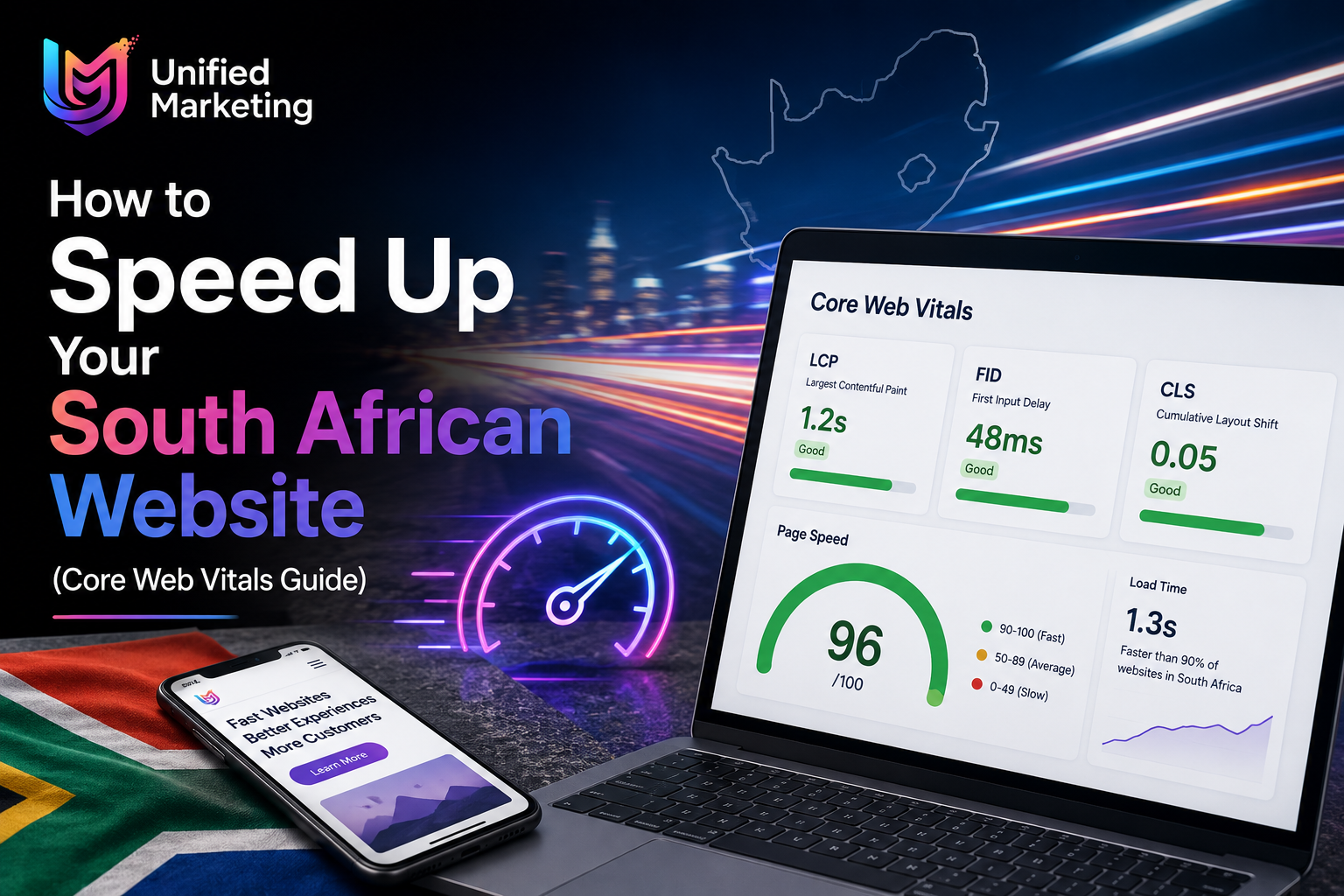
A slow website is one of the most damaging problems a South African business can have online. Google penalises slow websites in search rankings. South African mobile users abandon pages that take more than 3 seconds to load. And slow ecommerce websites directly lose sales at checkout. This guide gives you practical, actionable steps to speed up your SA website and pass Google’s Core Web Vitals.
Why Website Speed Matters More in South Africa
South Africa’s mobile internet infrastructure, while improving, means many users outside Johannesburg and Cape Town’s fibre-connected suburbs are browsing on 4G data with variable speeds. A website optimised for fibre may still be unacceptably slow on mobile data — and that’s where most of your SA visitors are.
Step 1: Test Your Current Speed
- Google PageSpeed Insights — test your homepage URL on MOBILE (not desktop)
- GTmetrix — detailed waterfall view showing which elements slow your page
- Google Search Console → Experience → Core Web Vitals — real user data from SA visitors
Target Scores: LCP: Under 2.5 seconds | CLS: Under 0.1 | INP: Under 200ms | PageSpeed Score: 70+ on Mobile
Step 2: Fix Your Images — The Biggest Win
Unoptimised images are responsible for 60–80% of slow load times on South African business websites. Every image should:
- Be converted to WebP format (40–60% smaller than JPEG at equivalent quality)
- Be sized to its display dimensions (don’t upload a 4,000px image for a 400px slot)
- Be compressed — target under 100KB for most images, under 200KB for hero images
- Use lazy loading so off-screen images load only when scrolled to
WordPress plugins: Smush, ShortPixel, or Imagify for automatic image optimisation
Step 3: Enable Caching
Caching stores a static version of your page so returning visitors (and Google’s crawler) receive it instantly rather than regenerating it every time. For WordPress SA websites:
- WP Rocket — best overall caching plugin for most SA WordPress sites (paid, ~R1,200/year)
- LiteSpeed Cache — free, excellent if your SA hosting uses LiteSpeed servers
- W3 Total Cache — free, more complex to configure correctly
Step 4: Choose Quality South African Hosting
Your hosting server’s location and quality directly affects load time for South African visitors. A server physically located in South Africa (Johannesburg or Cape Town data centres) delivers content significantly faster to SA users than European or American servers.
| Hosting Type | Typical SA Price | Speed Impact |
| Shared hosting (cheap) | R50–R150/month | Slow — resources shared with many sites |
| Quality shared hosting | R150–R400/month | Acceptable for small SA business sites |
| VPS Hosting | R400–R1,500/month | Good — dedicated resources for your site |
| Managed WordPress hosting | R300–R800/month | Excellent — optimised specifically for WordPress |
Step 5: Minimise Plugins and Remove Bloat
- Every active WordPress plugin adds load time — audit and remove any not actively used
- Replace multiple single-purpose plugins with fewer multi-function alternatives
- Deactivate and delete deactivated plugins — they still consume database space
- Use a lightweight WordPress theme — avoid heavy multipurpose themes with excessive features
Step 6: Enable a CDN (Content Delivery Network)
A CDN stores copies of your website’s static files (images, CSS, JavaScript) on servers around the world — including Africa. Cloudflare’s free plan is the most practical CDN for most South African businesses and typically reduces load time by 20–40% for international visitors while maintaining performance for local SA users.
Frequently Asked Questions
How much does a slow website cost a South African business?
The cost varies by business type. An ecommerce store losing 1% conversion rate due to slow load times on R500,000/month revenue loses R5,000/month — R60,000/year — directly to speed. A service business where slow speed causes ranking drops in Cape Town or Johannesburg search results loses the entire value of the organic leads that would have arrived. Website speed is not a technical nicety — it’s a direct revenue lever.
What is the most impactful speed fix for a South African WordPress website?
Image optimisation consistently produces the largest speed improvement for most SA business websites. Converting unoptimised JPEG images to WebP and reducing file sizes to under 100KB per image can reduce total page weight by 60–80% — often cutting load time from 8+ seconds to under 3 seconds in a single optimisation session.
Does website hosting location affect speed for Cape Town and Johannesburg users?
Yes, significantly. A server located in Johannesburg’s Teraco data centre delivers content to Cape Town and Johannesburg users noticeably faster than a UK or US server. For most South African business websites, we recommend SA-based hosting from reputable local providers. The speed difference ranges from 100–500ms of Time To First Byte (TTFB), which meaningfully impacts both user experience and Core Web Vitals scores.
Will improving my website speed improve my Google rankings in South Africa?
Yes, directly. Core Web Vitals (LCP, CLS, INP) are confirmed Google ranking signals. Passing Core Web Vitals — particularly LCP under 2.5 seconds — is associated with better search rankings. The improvement is most visible when moving from clearly failing scores to passing scores, rather than optimising from good to excellent. Fix critical speed issues first before expecting meaningful ranking improvements.
What PageSpeed score should my SA business website achieve?
Target 70+ on mobile as a minimum viable score and 85+ as a healthy goal for Cape Town and Johannesburg business websites. Scores below 50 on mobile are significantly impacting your rankings and conversion rates. Perfect scores of 95–100 are achievable but require significant optimisation effort that may not be justified for most SA business websites beyond the 80+ range.
Is your SA website speed costing you Google rankings and leads? Get a free speed audit with specific fixes today. Get My Free Website Speed Audit →
