
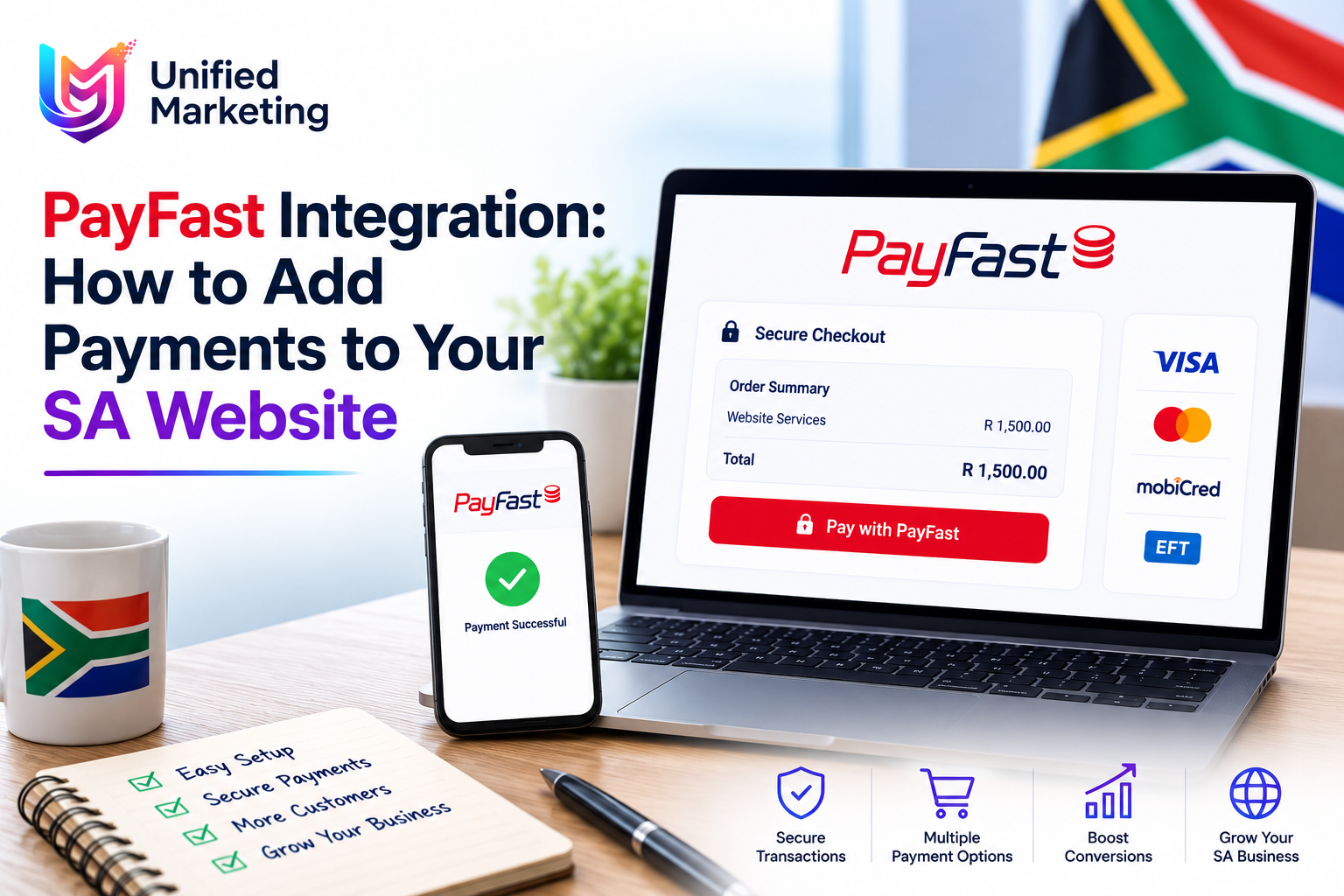
PayFast is South Africa’s most widely used payment gateway — trusted by millions of SA shoppers and integrated with every major SA ecommerce platform. If you’re building or improving a South African ecommerce website or adding payment functionality to any SA website, this guide covers everything you need to know about PayFast integration, fees, and alternatives.
What Is PayFast?
PayFast is a South African payment gateway that allows businesses to accept online payments through multiple methods: credit and debit cards (Visa, Mastercard), instant EFT (direct bank transfer), Masterpass, Mobicred (buy now pay later), SnapScan, Zapper, and more. It’s owned by DPO Group and processed securely under South African financial regulations.
PayFast Fees for South African Businesses
| Transaction Type | Fee | Notes |
| Credit/Debit Card | 1.9% + R2.00 per transaction | All major cards supported |
| Instant EFT | 1.5% + R2.00 per transaction | Direct bank transfers — popular in SA |
| Masterpass | 1.9% + R2.00 per transaction | Mastercard’s digital wallet |
| Mobicred | 4.0% per transaction | Buy now pay later — higher but drives sales |
| SnapScan / Zapper | 1.9% + R2.00 per transaction | QR code payments |
| Monthly subscription fee | R0 (Starter) / R45 (Professional) | Starter free; Professional unlocks features |
How to Integrate PayFast with WooCommerce
1. Create a PayFast account at payfast.co.za and complete verification
2. Log into your WordPress dashboard and go to Plugins → Add New
3. Search for “PayFast” and install the official PayFast WooCommerce plugin
4. Activate the plugin and go to WooCommerce → Settings → Payments → PayFast
5. Enter your Merchant ID and Merchant Key from your PayFast account
6. Enable Sandbox mode first to test the integration before going live
7. Test a full purchase cycle in Sandbox mode — confirm payment confirmation emails
8. Switch to Live mode and process a real R1 test transaction to confirm
PayFast vs Other SA Payment Gateways
| Gateway | Transaction Fees | Best For | WooCommerce Plugin |
| PayFast | 1.9–4% + R2.00 | Most SA stores — widest payment method support | Official (free) |
| Peach Payments | Custom pricing | Larger merchants, recurring billing | Official (free) |
| Yoco | 2.6% | Simple stores, in-person + online combined | Available |
| Ozow | 1.5% + R2.00 | EFT-focused, instant bank transfers | Available |
| PayStar | 1.9% + R2.00 | Alternative to PayFast with similar features | Available |
PayFast for Non-Ecommerce Websites
PayFast isn’t only for online stores. South African businesses use PayFast payment buttons for: deposit payments for service businesses, event ticket sales, subscription billing, donation collection for NPOs, and any scenario requiring a one-time or recurring online payment without a full ecommerce store setup.
Common PayFast Integration Issues for SA Websites
- ITN (Instant Transaction Notification) not configured — payment confirmations don’t update order status
- Return URL misconfigured — customers see an error after successful payment
- HTTPS not installed — PayFast requires SSL on all pages in the payment flow
- Sandbox mode left active on live site — payments appear to process but money isn’t received
- Currency not set to ZAR in WooCommerce settings — PayFast only accepts ZAR
Frequently Asked Questions
Is PayFast safe for South African online shoppers?
Yes. PayFast is PCI DSS compliant and processes payments securely without storing sensitive card data on your website. It’s been operating in South Africa since 2007 and processes millions of transactions annually. South African online shoppers generally recognise and trust the PayFast name and logo — displaying it during checkout increases buyer confidence and reduces cart abandonment.
Does PayFast have a monthly fee?
PayFast offers a free Starter plan with no monthly fee — you only pay per-transaction fees. The Professional plan (R45/month) adds features like payment plans, enhanced reporting, and Mobicred integration. Most small to medium SA ecommerce businesses start on the free Starter plan and upgrade only when specific Professional features are needed.
Can I accept recurring payments with PayFast?
Yes. PayFast supports subscription and recurring billing through their payment plans feature (available on Professional and Business accounts). This is useful for SA businesses offering monthly service subscriptions, membership fees, or instalment payment options. The recurring billing is managed through PayFast’s dashboard without requiring custom development.
How long does PayFast take to transfer money to my SA bank account?
PayFast typically transfers funds to your South African bank account within 1–3 business days for most payment types. Instant EFT payments may settle faster. You can view your settlement schedule in the PayFast merchant dashboard and request manual payouts above your minimum settlement threshold.
What happens if a customer’s PayFast payment fails?
Failed payments are recorded in your WooCommerce order management system with a “Failed” or “Pending” status. The customer is returned to the cart page or payment page with an error message. Most payment failures are due to insufficient funds, incorrect card details, or bank-side declines. Consider enabling multiple payment methods (card + EFT + SnapScan) to give SA customers alternatives when one method fails.
Want PayFast integrated correctly into your South African website or WooCommerce store? Get a free ecommerce consultation today. Get My Free Ecommerce Consultation →
