
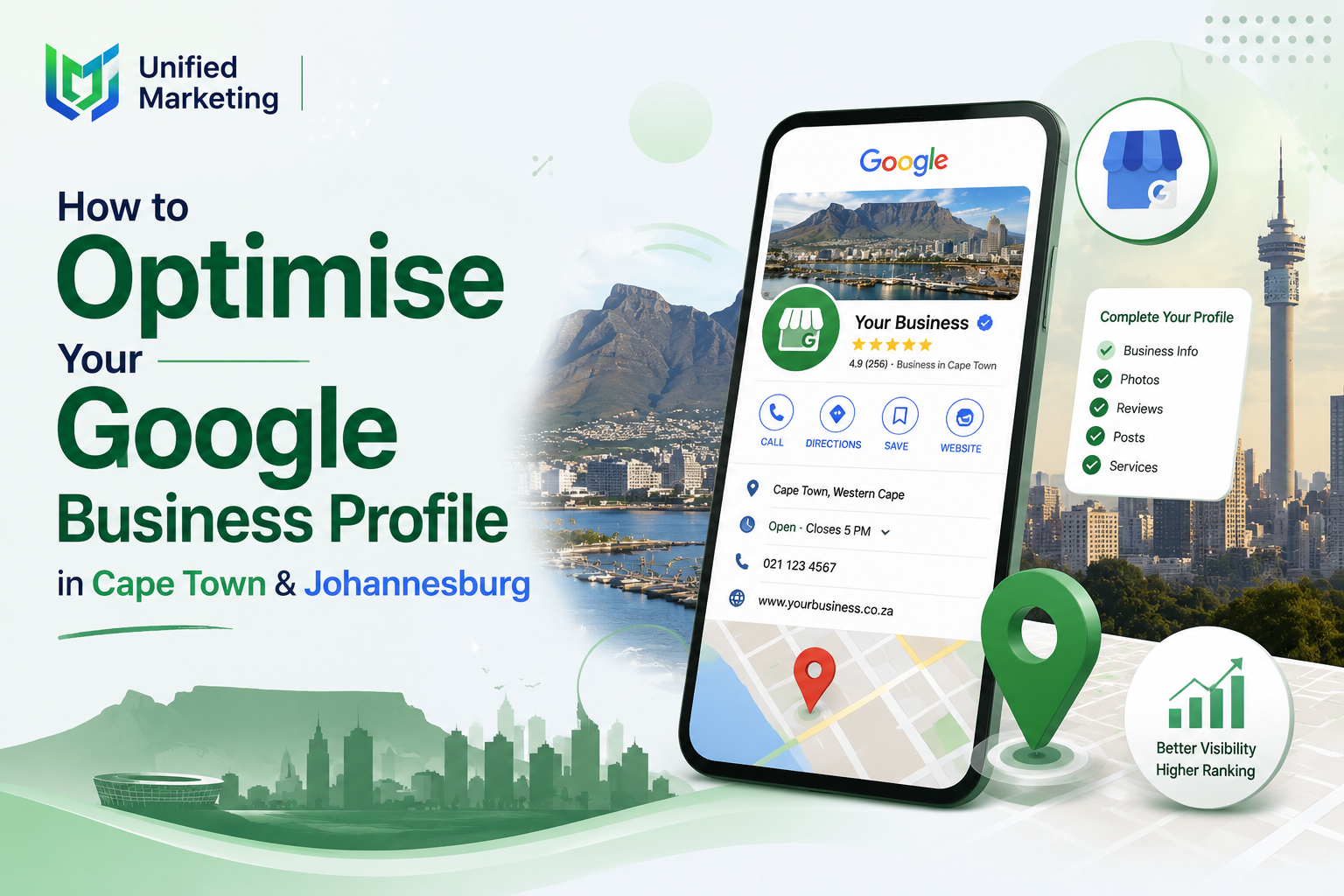
Your Google Business Profile (GBP) — formerly known as Google My Business — is often the very first impression a potential customer has of your business. It’s also the single biggest factor in whether your business appears in the Google Maps local pack. This step-by-step guide walks you through every element of GBP optimisation for South African businesses in 2026, complementing our broader Local SEO approach.
What Is Google Business Profile?
Google Business Profile is a free Google tool that allows businesses to manage how they appear across Google Search and Google Maps. A fully optimised GBP can significantly improve your visibility for local searches in Cape Town, Johannesburg, or any South African city — often without spending a single rand on advertising.
Step 1: Claim and Verify Your Listing
If you haven’t already claimed your business on Google, start at business.google.com. Google will verify your business through a phone call, text message, email, or postcard sent to your business address — postcard verification is most common for South African businesses and typically takes 5-14 days to arrive.
Step 2: Choose the Correct Business Category
Your primary category is one of the most influential ranking factors within GBP. Choose the most specific and accurate category available — “Digital Marketing Agency” rather than the broader “Marketing Agency”, for example. You can add up to 9 secondary categories to capture additional relevant searches.
Step 3: Complete Every Available Field
Essential information to complete fully:
- Business name (exactly matching your signage and website — no keyword stuffing)
- Complete physical address or accurately defined service area
- Phone number matching your website exactly
- Website URL
- Accurate business hours, including special hours for public holidays
- Complete, keyword-rich business description (750 characters available)
Step 4: Add Your Services
The Services section allows you to list every service your business offers, each with its own description. For a Cape Town or Johannesburg business, this is a valuable opportunity to include relevant keywords naturally — for example, listing “Local SEO for Cape Town businesses” rather than just “SEO”.
Step 5: Upload High-Quality Photos Regularly
Businesses with photos receive significantly more clicks, calls, and direction requests than those without. Upload a minimum of 20 photos at setup, then add new photos regularly — at least monthly — to signal an active, well-maintained business to Google.
Photo types to include:
- Exterior shots showing your business location/signage
- Interior shots of your premises
- Team photos showing your staff
- Product or service photos relevant to your business
- Behind-the-scenes photos showing your work in action
Step 6: Post Regularly Using Google Posts
Google Posts allow you to share updates, offers, and announcements directly within your GBP listing — similar to a mini social media feed within Google Search. Posting weekly signals an active business and gives potential customers fresh reasons to engage.
Step 7: Manage Reviews Actively
Respond to every review — positive and negative — within 24-48 hours. This signals to both Google and potential customers that you are actively engaged with your business reputation. For negative reviews, respond professionally and offer to resolve the issue offline where appropriate.
Step 8: Enable and Monitor Messaging
Many Cape Town and Johannesburg customers prefer messaging over calling. Enable the messaging feature within GBP and ensure someone monitors and responds promptly — slow response times can directly lose potential leads to faster-responding competitors.
GBP Optimisation Checklist
| Task | Frequency |
| Verify business listing | Once, at setup |
| Complete all profile fields | Once, then review quarterly |
| Upload new photos | Monthly minimum |
| Publish Google Posts | Weekly |
| Respond to reviews | Within 24-48 hours of each review |
| Monitor and respond to messages | Daily |
| Update business hours for holidays | As needed, in advance |
| Review and update Services section | Quarterly |
Common GBP Mistakes South African Businesses Make
- Keyword stuffing the business name (e.g. “ABC Plumbing — Best Plumber Cape Town”)
- Inconsistent NAP (name, address, phone) compared to the website
- Leaving the Services and Description sections incomplete
- Never posting updates or new photos after initial setup
- Ignoring or delaying responses to negative reviews
Frequently Asked Questions
How long does Google Business Profile verification take in South Africa?
Postcard verification, the most common method for South African businesses, typically takes 5-14 business days to arrive at your registered address. Phone or email verification, when available for your business category, can be completed instantly. We recommend starting verification as early as possible since it can sometimes take longer during busy periods.
Can I have multiple Google Business Profiles for one business in Cape Town and Johannesburg?
Yes, if you have separate physical locations in each city, you should create and verify a separate GBP listing for each location with its own accurate address and phone number. Creating duplicate listings for a single location, or listings without a genuine physical presence, violates Google’s guidelines and can result in suspension.
Does Google Business Profile cost money to use?
No, Google Business Profile is completely free to set up and maintain. There are no costs for claiming your listing, adding photos, posting updates, or responding to reviews. Some businesses choose to invest in professional photography or local SEO management services, but the GBP platform itself carries no direct cost.
What happens if my Google Business Profile gets suspended?
GBP suspensions typically occur due to guideline violations — keyword stuffing in your business name, fake reviews, or incorrect address information. If suspended, you can submit a reinstatement request through Google’s support system, though this process can take several weeks. Following all guidelines carefully from the start is the best way to avoid this disruption.
How often should I post updates on Google Business Profile?
We recommend posting at least once per week to maintain an active profile signal to Google. Posts can include special offers, recent projects, business updates, or seasonal announcements relevant to your Cape Town or Johannesburg audience. Consistent posting, even if simple, outperforms sporadic or abandoned posting activity.
Final Thoughts
A fully optimised Google Business Profile is one of the highest-impact, lowest-cost local SEO actions any South African business can take. Work through this checklist systematically, and maintain it consistently — GBP optimisation isn’t a one-time task but an ongoing process that directly affects your local visibility in Cape Town, Johannesburg, and beyond.
Want your Google Business Profile fully optimised by professionals instead of doing it yourself? Get a free GBP audit and recommendations.
